
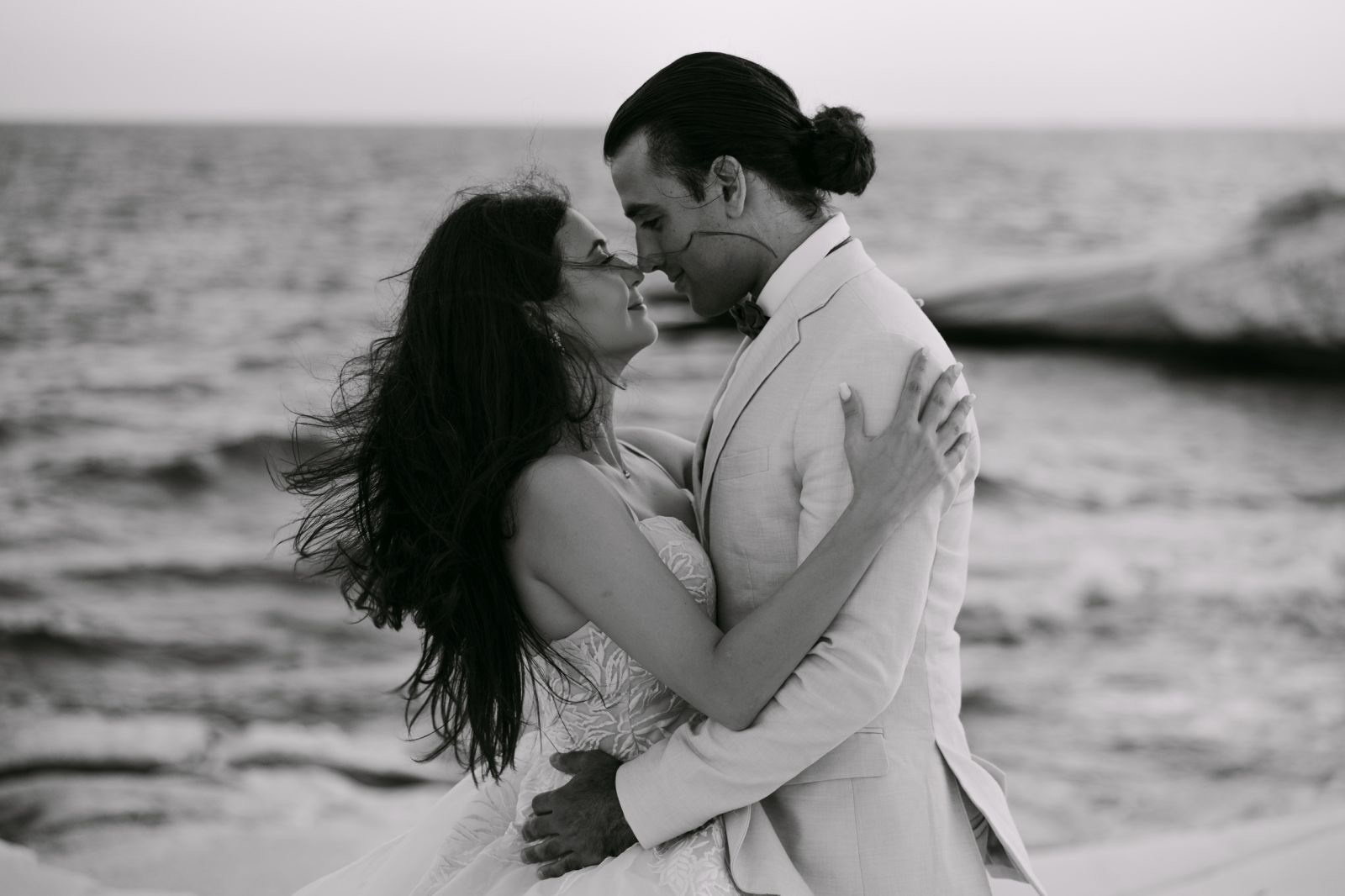
Photographer’s Corner
We present to your attention an exclusive collection of author’s photo presets from a professional photographer! Each set is thoroughly tested.
For whom
If you are a professional photographer and you have weddings, christenings, studios etc then this is for you!
Don’t miss out this opportunity!
About the presets
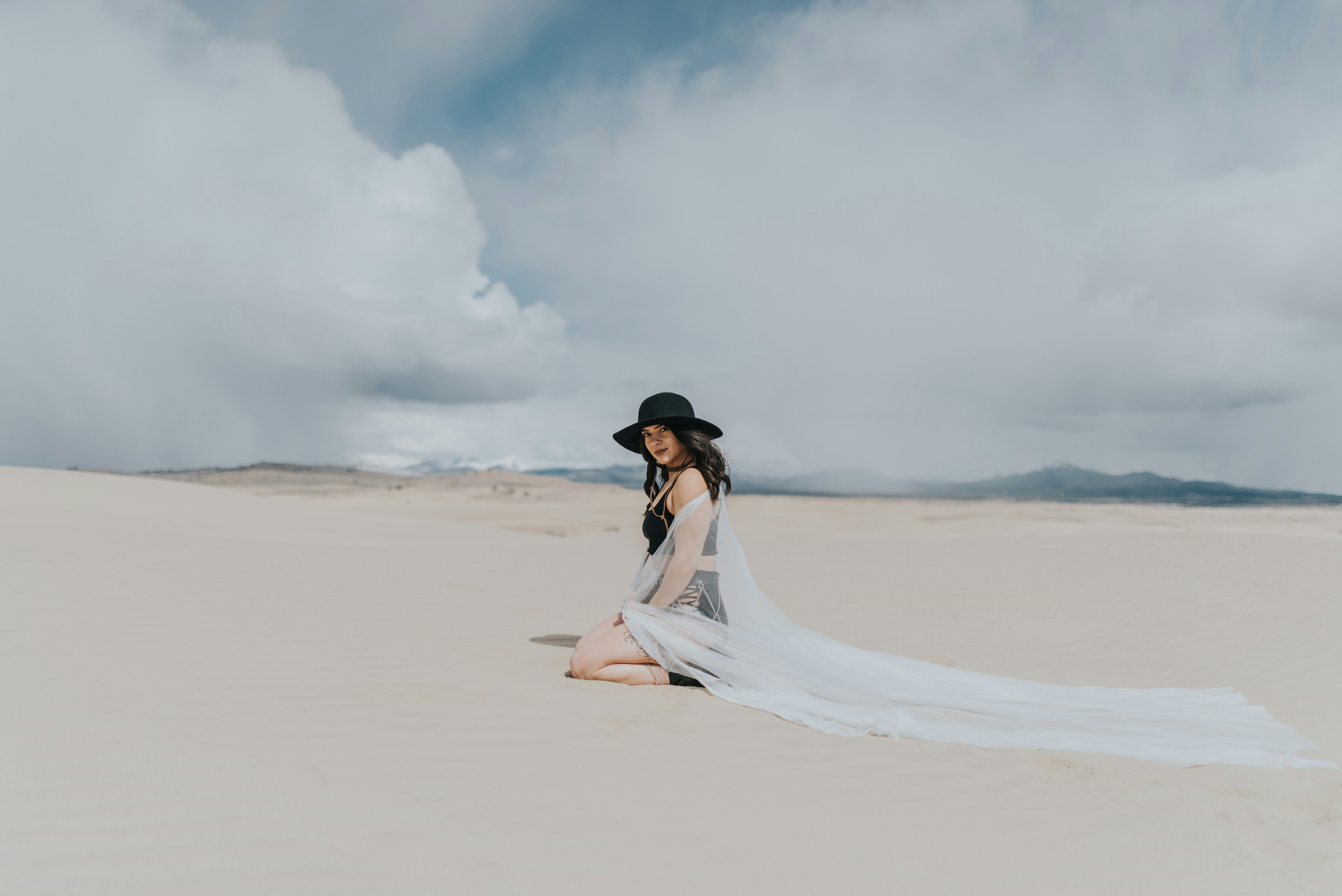
The collection includes a variety of presets, from bright, contrasting colours to soft, pastel tones. You can easily experiment to create unique looks for portraits, landscapes, subjects and more.
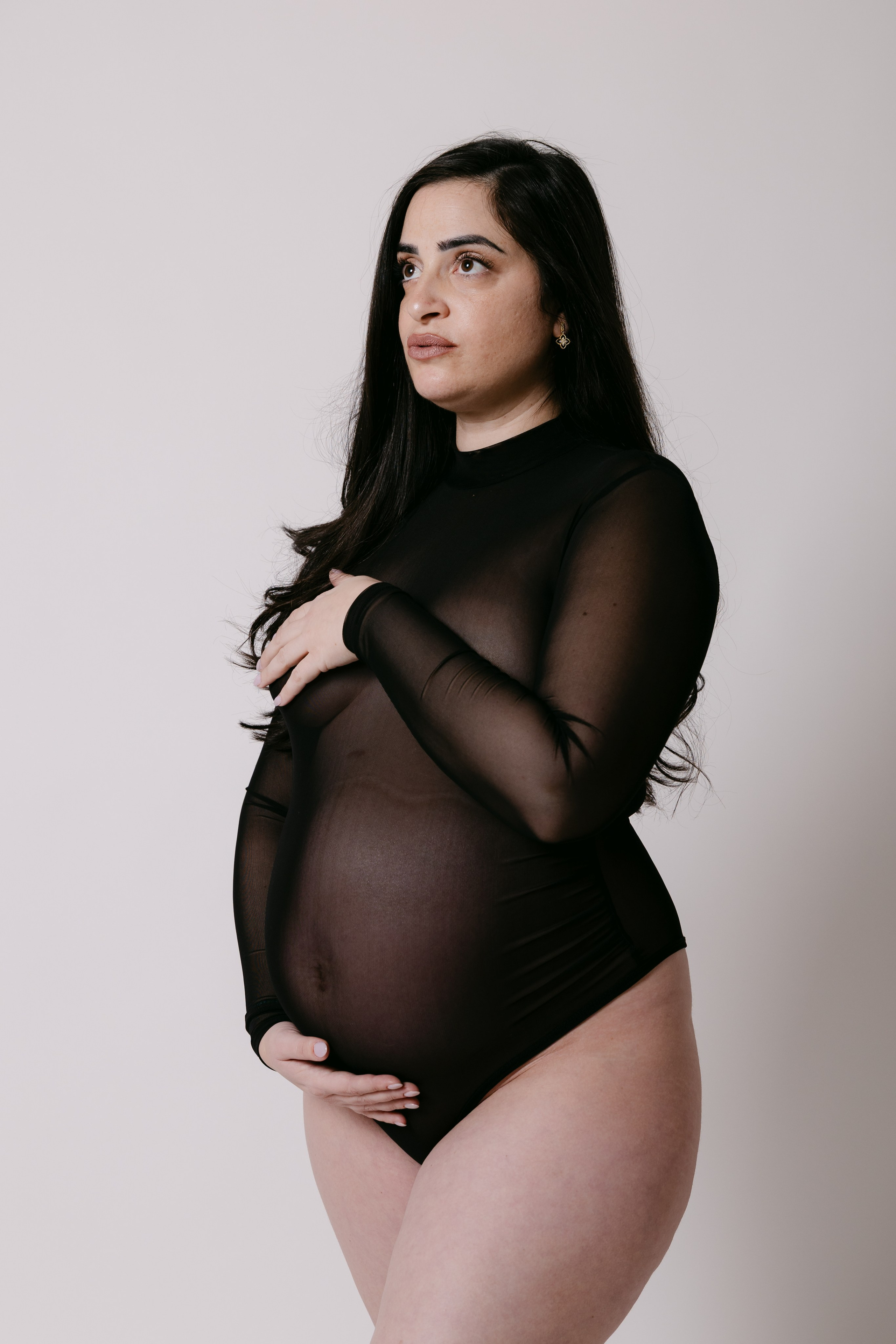
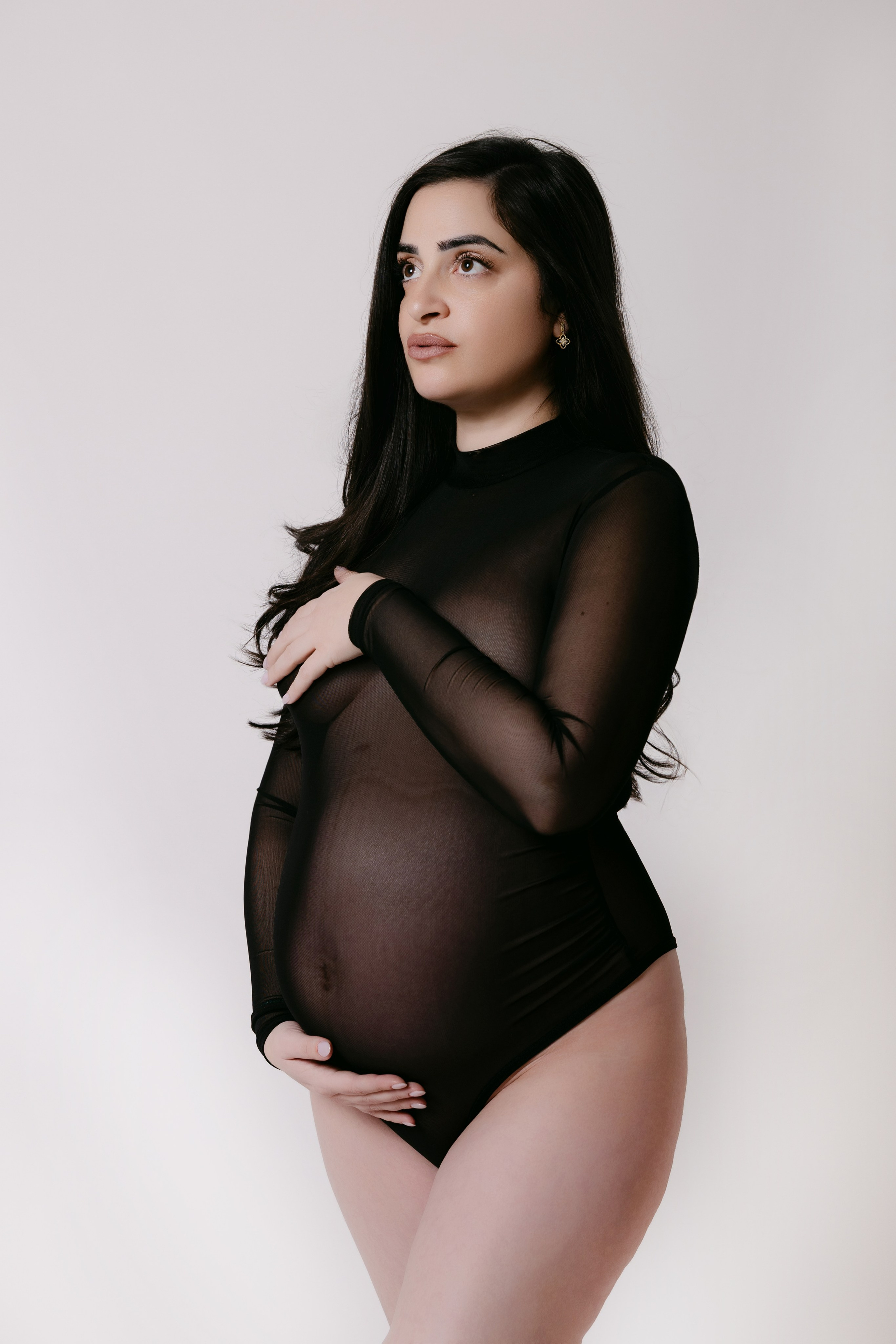
EVOTO
Get your first Evoto purchase with a bonus using my code: RXHFENUJ10
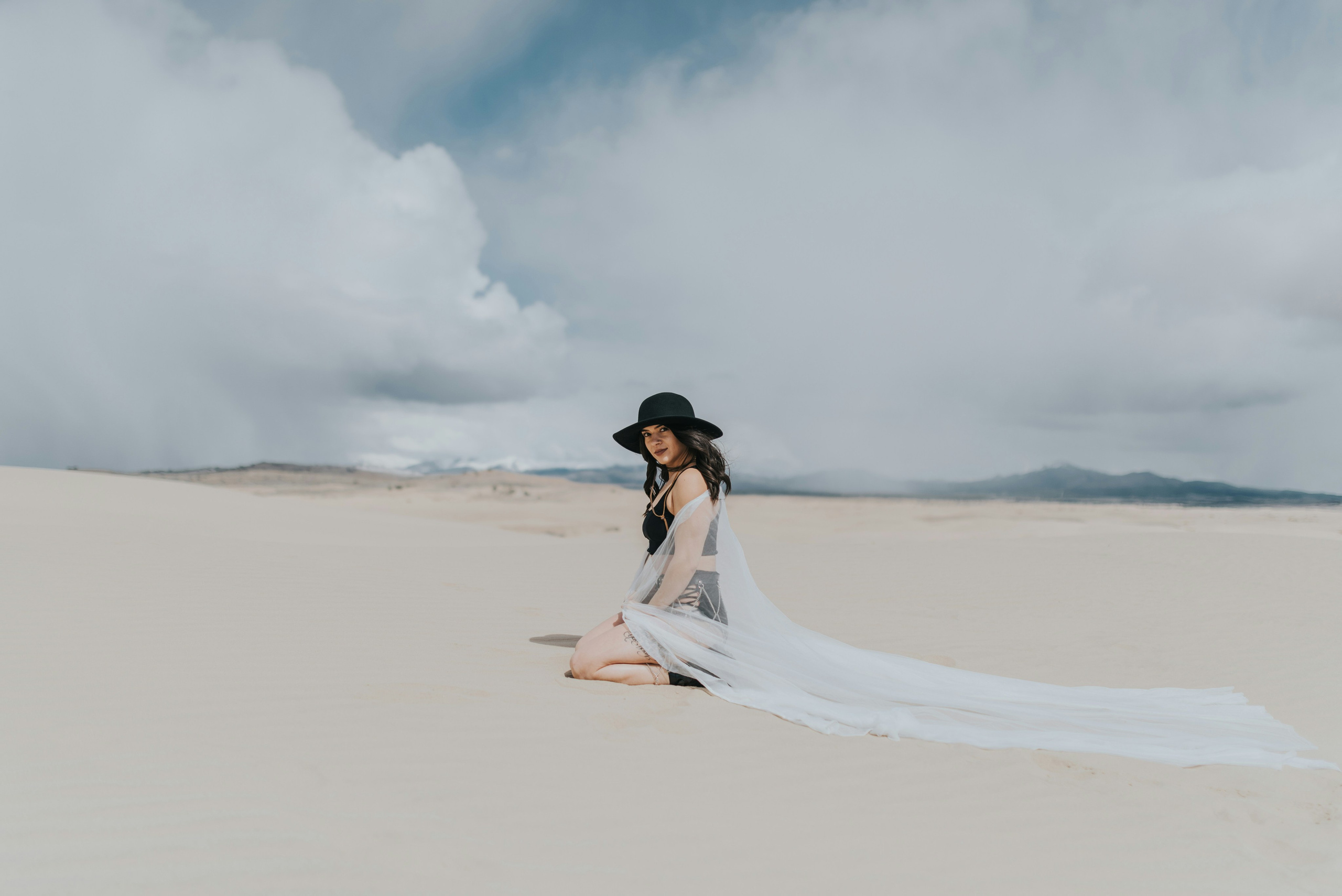
AFTERSHOOOT
Culling and Edit now its easy. Just try Aftershoot


SET № 3
LIGHT
Colour correction: soft lighting and contrast. Suitable for portraits, presets built for Lightroom and Photoshop.
F A Q
Answers to your questions
I’d be happy to answer your questions about the course!
How do I install presets?
Go to the ‘Settings’ menu and select ‘Import Presets’. Locate the preset file and import it.
How do I set presets for the mobile version?
Presets are compatible with the mobile version of Lightroom, just import them in the same way as the desktop version.
How do I customise the presets?
You can adjust the brightness, contrast and saturation settings after applying a preset to achieve the desired effect.
Are the presets compatible with b/w photos?
Some presets may work, but I recommend using specialised black and white presets for best results.